Set up your own short domain in five minutes — it's just one CNAME record
Published on May 31, 2026
A short link on your own domain carries your brand, lets you change the destination anytime, and clears carrier filtering more smoothly in SMS campaigns (the full why is on the SMS marketing page). Putting your toui.io short links on your own domain — something like go.yourcompany.com/spring — takes just one CNAME DNS record. This guide uses Cloudflare as the example, but any DNS provider where you can add a CNAME works the same way; if your domain is already on Cloudflare, it’s about five minutes.
Before you start
- Plan: custom domains are a Pro-and-above feature (see pricing).
- Permission: you need to be the team owner.
- Domain: a domain whose DNS you can edit, using a subdomain (e.g.
go.example.com). - Tip: a short prefix like
go.,link., orm.saves characters in your SMS messages.
Step 1 — Add your subdomain in the dashboard
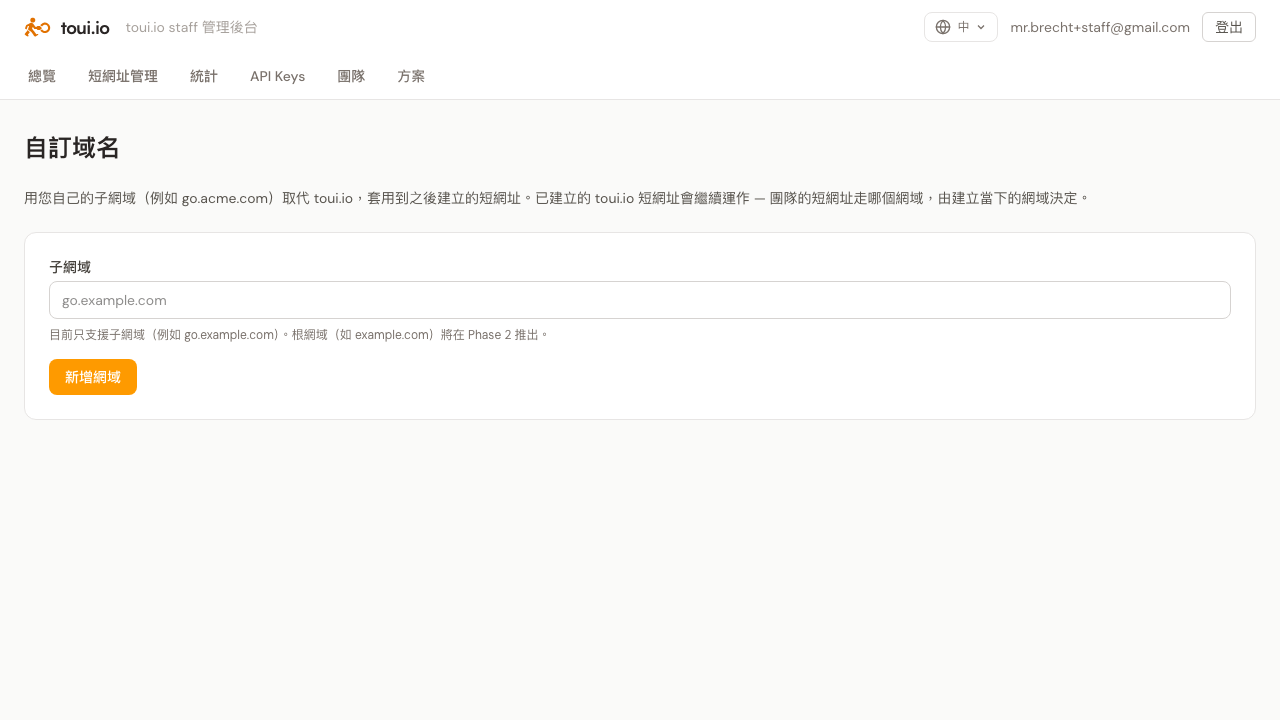
Sign in to the admin dashboard → open the Custom Domain tab → enter the subdomain you want to use (e.g. go.yourcompany.com) → click Add domain.
A couple of rules:
- All lowercase, no trailing dot, no spaces.
- Enter a subdomain (
go.yourcompany.com), not an apex domain — the form will reject an apex and tell you why.
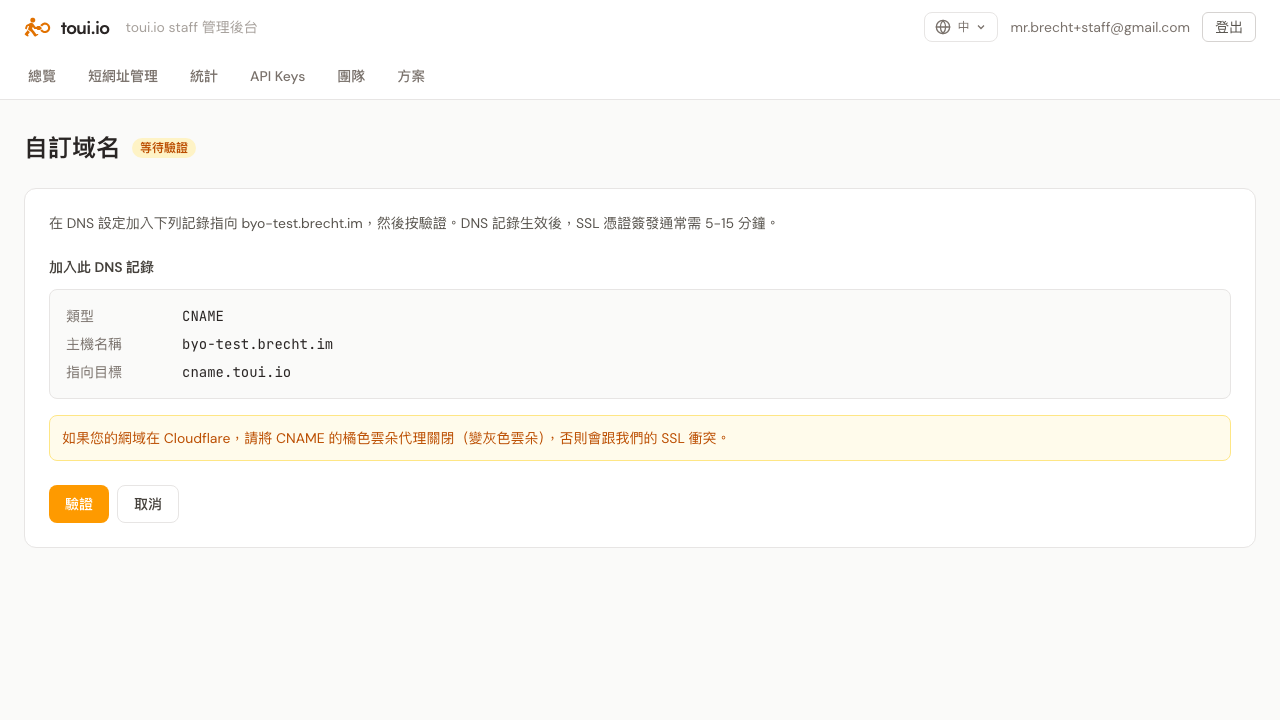
Once added, the status changes to Pending verification and the DNS record you need to add appears on screen.
Step 2 — Add one CNAME record to your DNS
The dashboard gives you a CNAME record. Copy the three fields into your DNS provider:
| Field | Value |
|---|---|
| Type | CNAME |
| Name | the subdomain you entered, e.g. go.yourcompany.com |
| Target | cname.toui.io |
⚠️ Cloudflare users — important
If your domain is on Cloudflare, add this CNAME with the orange-cloud proxy turned off — grey cloud (DNS only). Otherwise Cloudflare’s proxy collides with our SSL provisioning and the domain won’t come up. This is the single most common mistake Cloudflare users make.
Not on Cloudflare (GoDaddy, Namecheap, Gandi, your registrar, etc.): just copy the three fields — there’s no cloud toggle. DNS propagation time varies by provider and can take 1–24 hours.
Step 3 — Click “Verify” back in the dashboard
Once the DNS record is in, return to the Custom Domain tab and click Verify.
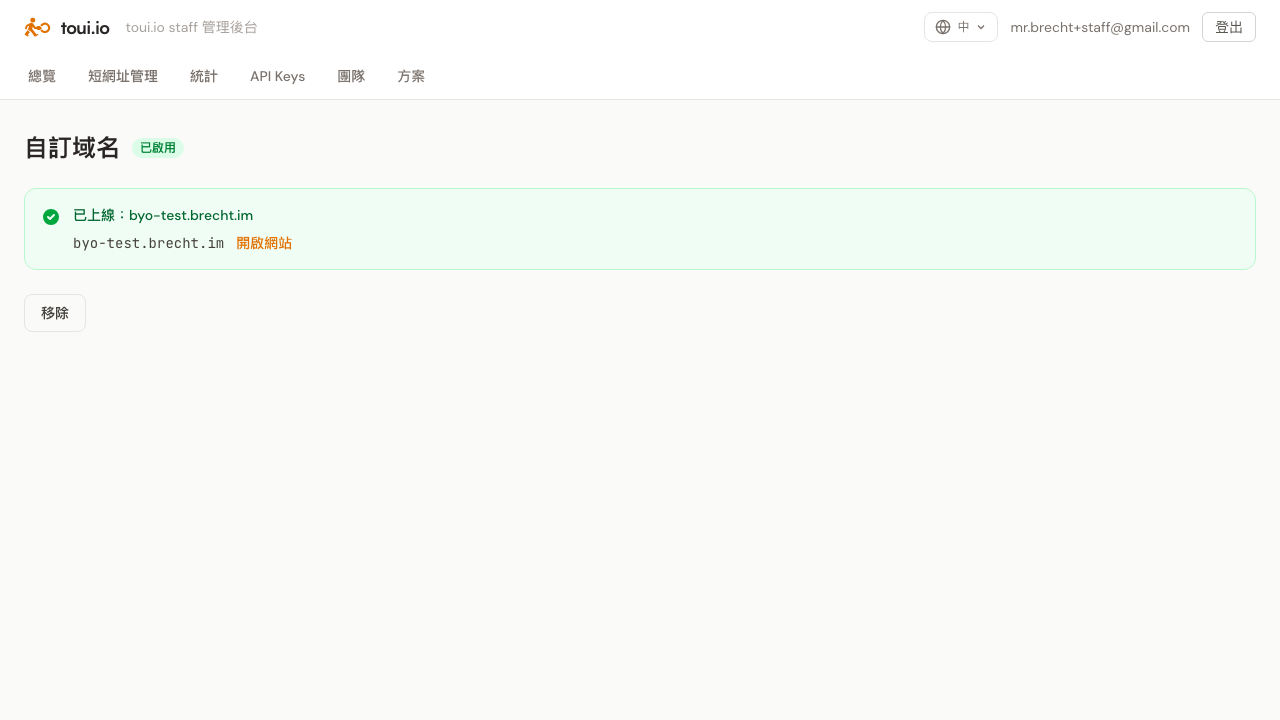
After it verifies, toui.io provisions an HTTPS certificate automatically through Cloudflare for SaaS — certificate issuance typically takes 5–15 minutes after the DNS record is live (not instant; this wait is normal). When it’s done the status flips to Active, with a Visit site link so you can test it right away.
What happens once it’s active
- Short links you create from here on — in the dashboard or via the API — automatically live on your custom domain.
- Short links you created on toui.io before keep working, unchanged — your team’s links route through whichever host they were created on.
- One custom domain per team for now.
FAQ
Can I change where a short link points after sending it? Yes. Edit the destination in the dashboard; links already sent keep redirecting to the new target, so recipients never get a second message.
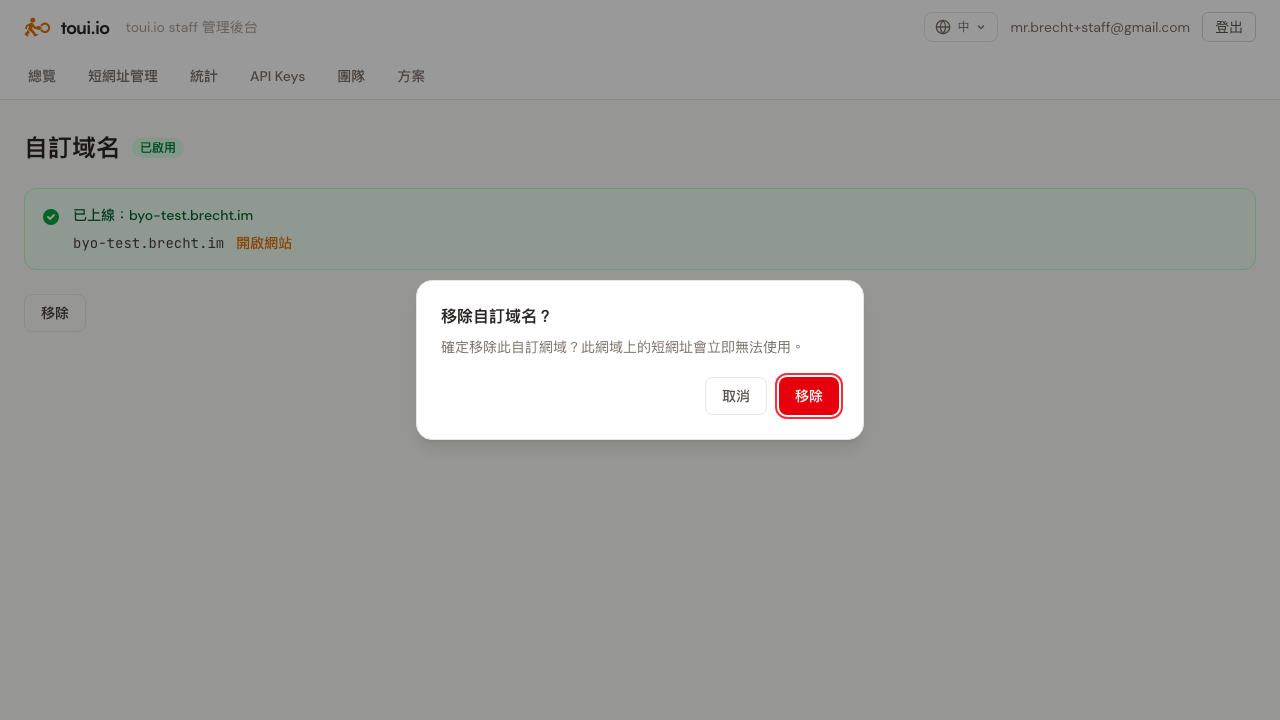
How do I remove a custom domain? Click Remove on the Custom Domain tab; a confirmation dialog appears. Note: once removed, short links on that domain stop working immediately.
Verification keeps failing — what now? The most common cause is the Cloudflare orange cloud still being on (see Step 2). The next most common is DNS not having propagated yet — on non-Cloudflare domains, wait a bit and click Verify again. Still stuck? Email hello@toui.io.
Further reading: Why SMS marketing needs a short domain you own · Custom short domains are now live